Blog
5/3/22
This last blog post is to summarize and expand upon my project and the decisions made. Firstly, the database has the feature of each vehicle only being allowed to be related to one account, which was a mistake. This is not realistic and something that I would change in the future. Next is that each parking reservation is attached to a vehicle instead of an account. This means that an extra join is necessary to find the account wanted, which complicates queries further. This relationship would be fixed as a byproduct of allowing numerous accounts for each vehicle. If I were to personally continue working on the project, I would firstly refactor the code. This is largely because as I continued to work on the project, my understanding of Xamarin, ASP.NET, and their designs improved a lot from when I had started. A cleanup of my initial code would allow easier future expansion and readability of code. Lastly, I would not personally recommend Xamarin simply to have the ability of cross-functionality/shared code when developing the apps. It's support and community is not as large as Android Studio, meaning at times finding answers was difficult and some things did not work as expected. It may be useful if you prioritize the user and admin app to the same degree. If you prioritize the user app the most, you'll save a lot more time by using the industry-standard Android development environment and doing the barebones work of the admin app in whatever Windows development environment chosen.
4/19/22
Today's blog post will be about users data input and the relating UI, while the next (soon) will feature the parking selection. A thing to note about me is that I am not a fan of creating UI as it consists of design more than logic. Regardless, based on prior years projects I think my app's UI is similar to other mobile apps done.
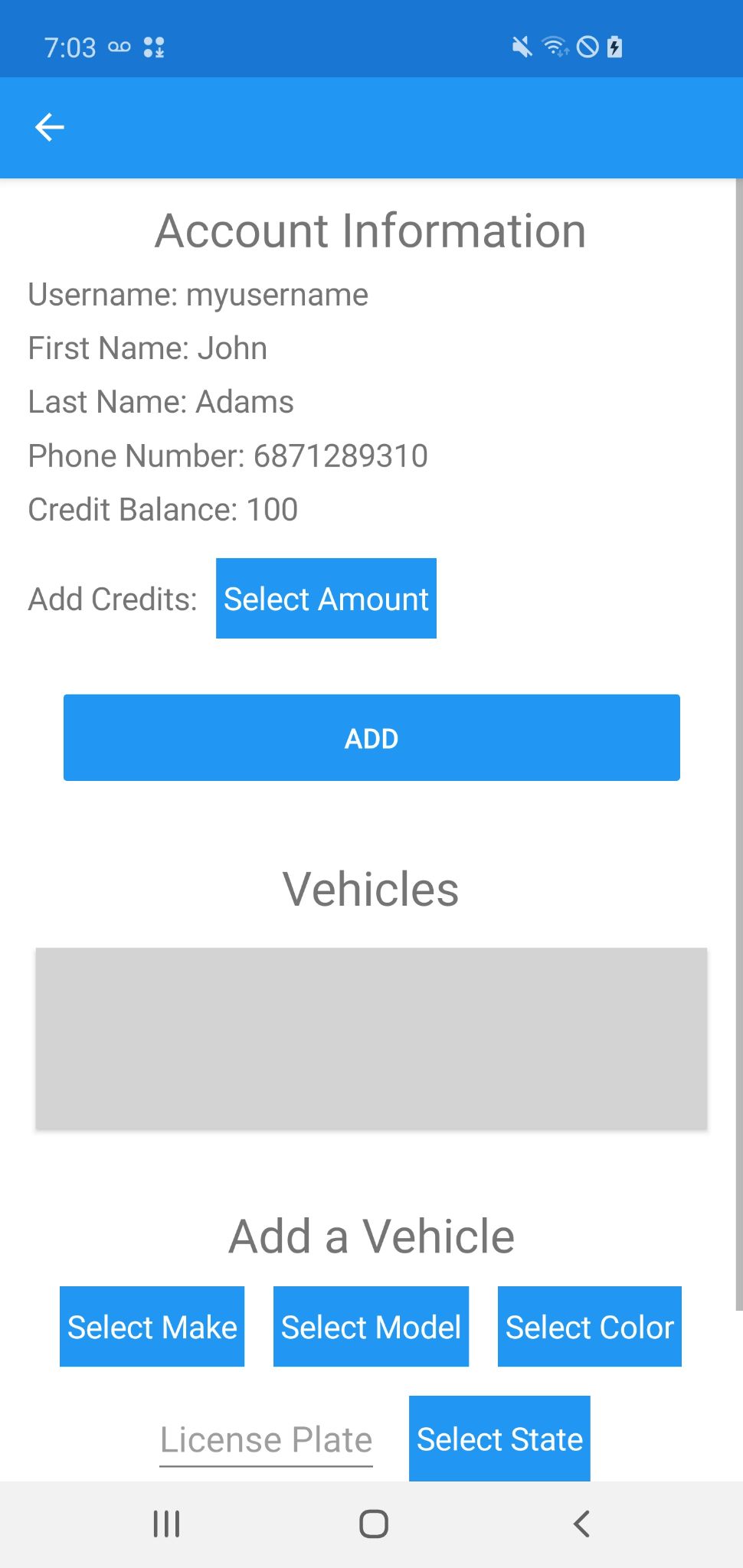
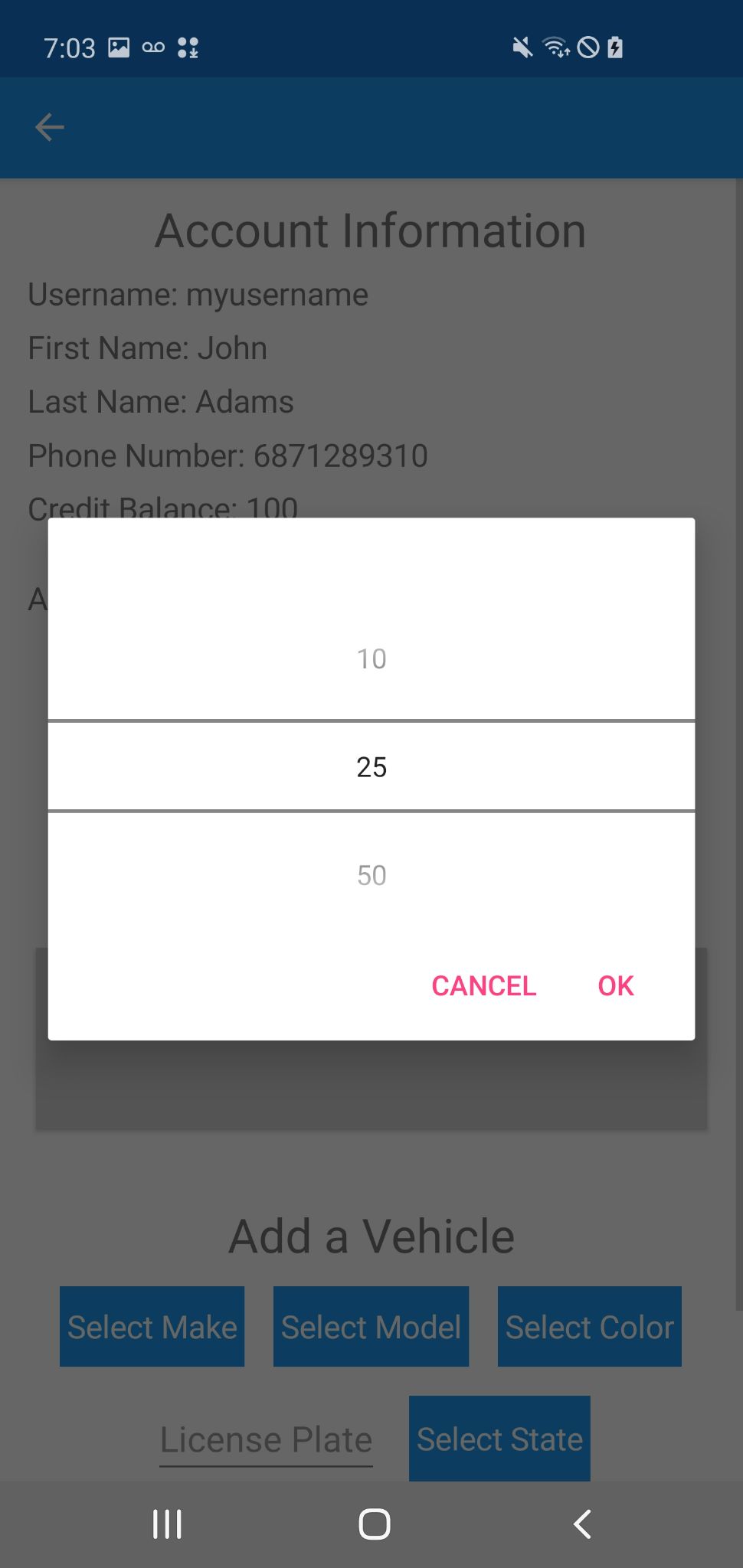
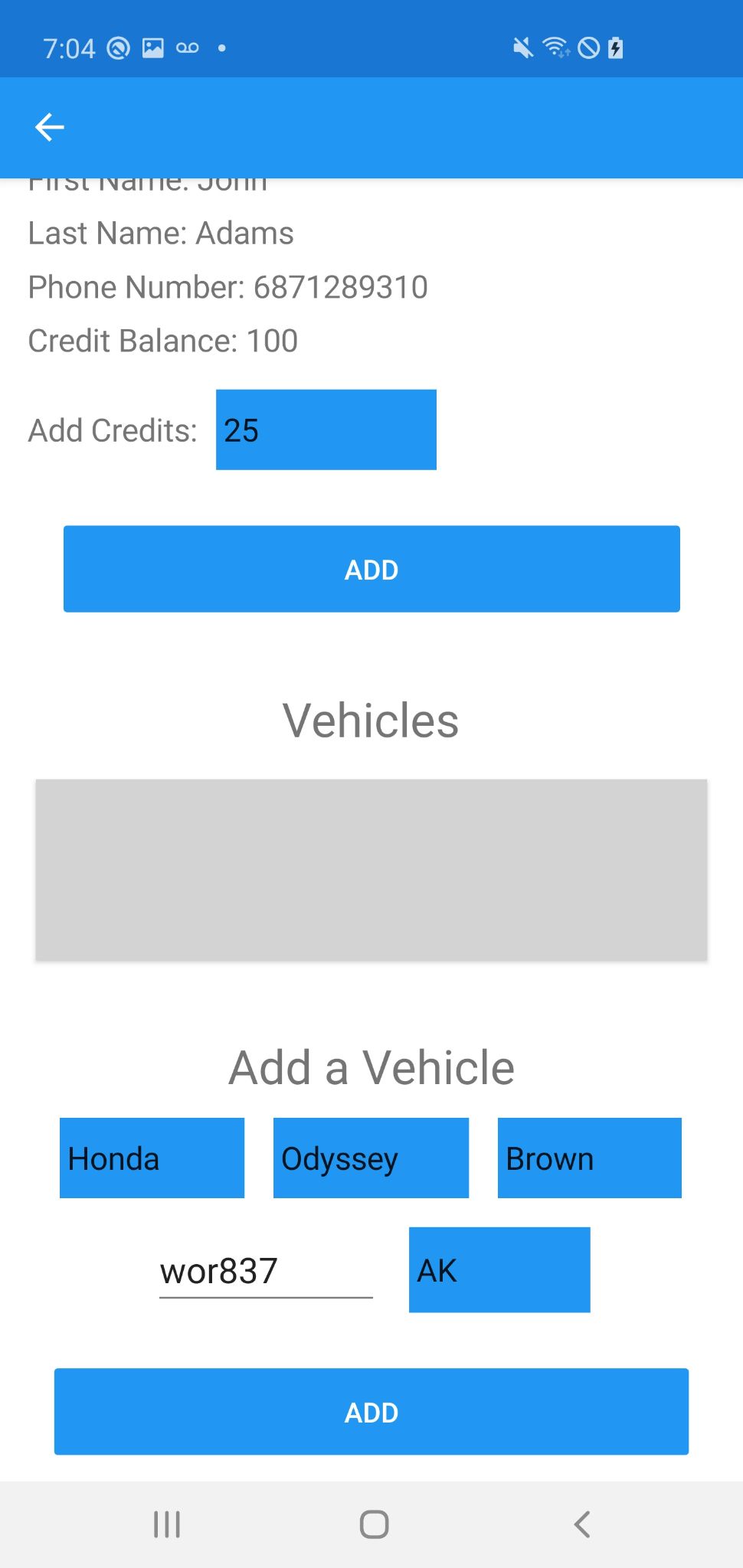
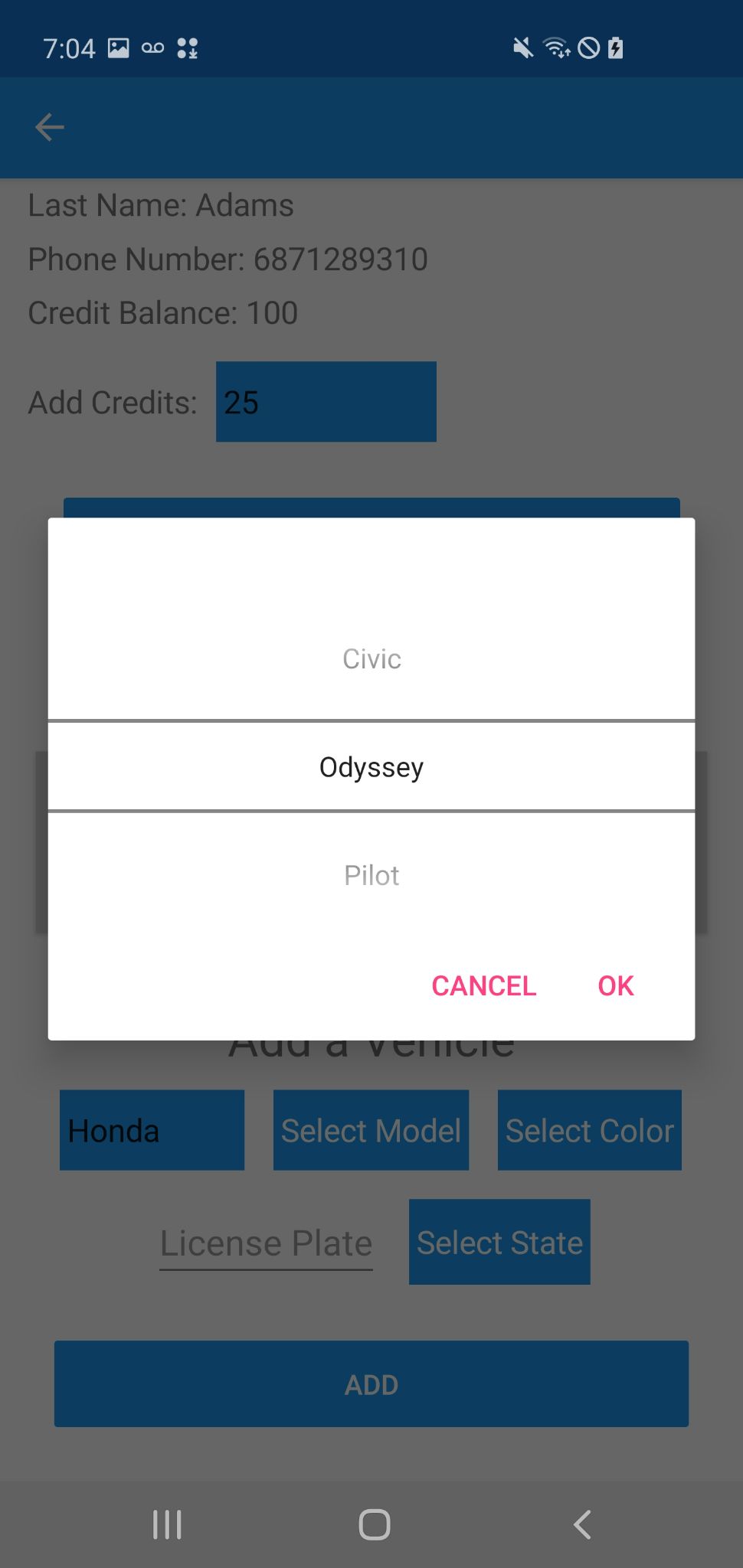
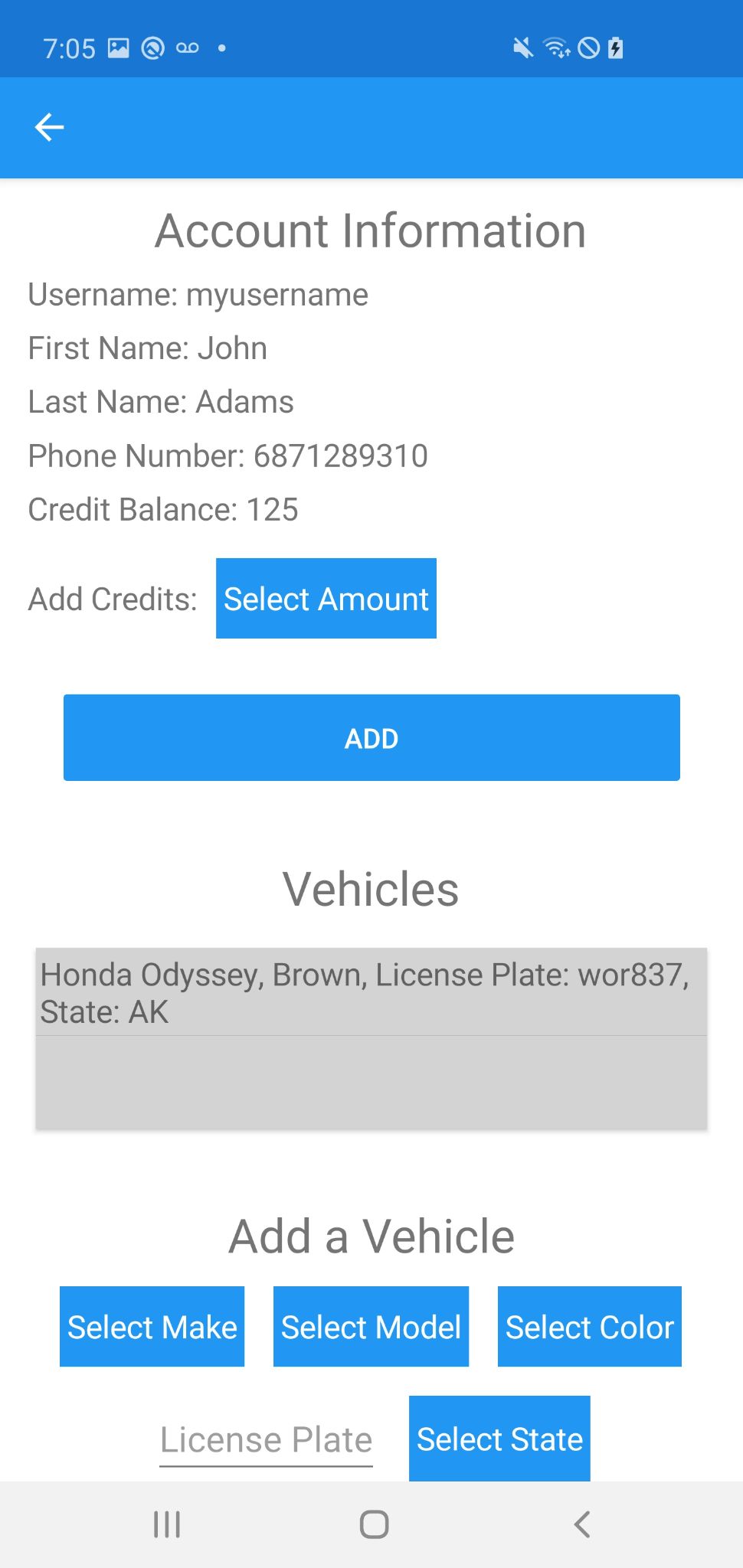
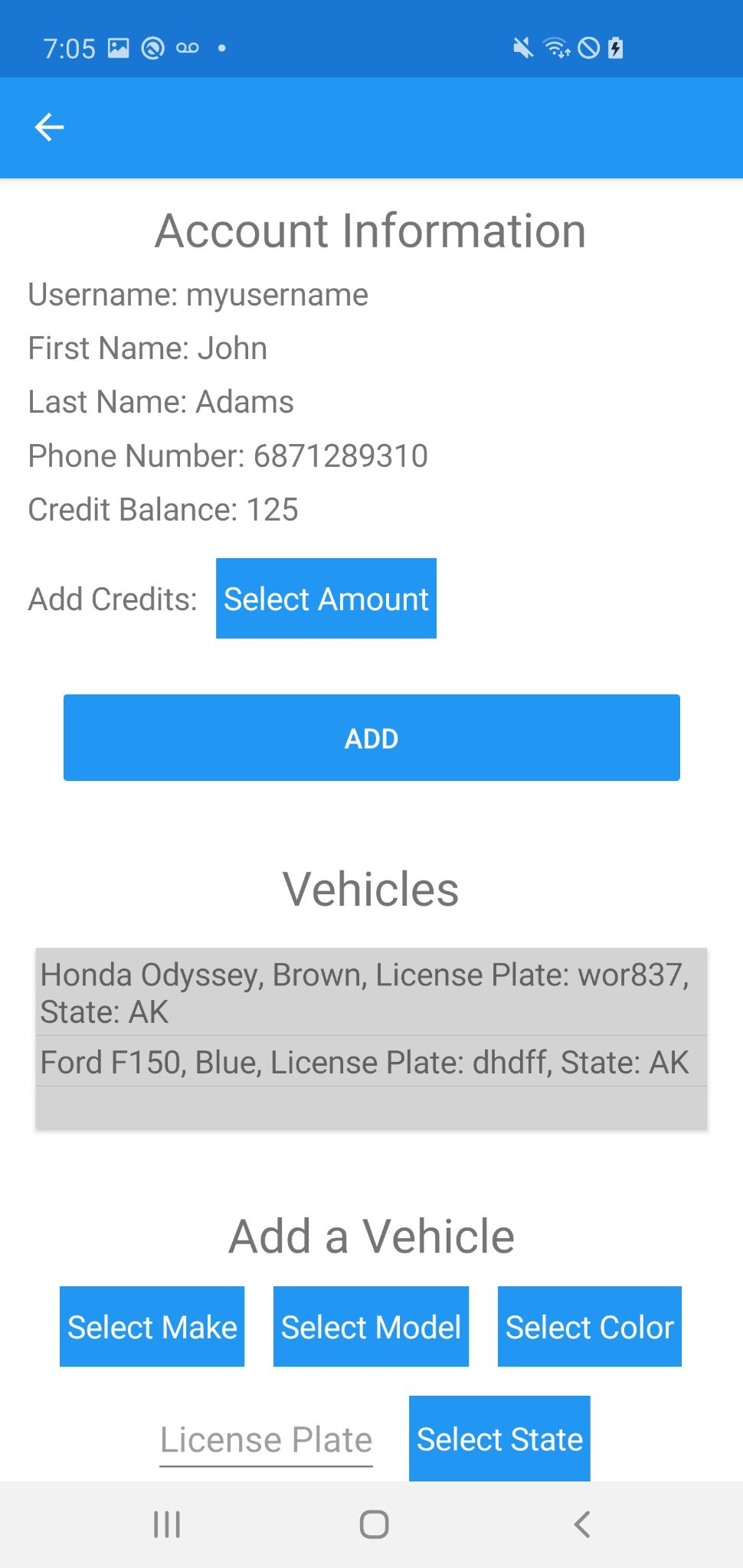
On to the UI, I know people are not fans of popups but for now my selection fields are as the alternative options did not seem to fit the UI as good. Changing it would require me to either look for other options or to fiddle around to learn how to change rendering, the latter being more indepth than I want to go. Also, a question someone may have when seeing the pictures below is why my selection fields use popups when my vehicle list is able to be embedded into the page. I decided to do this as if the selection fields featured the same look as the vehicle list, the UI would be confusing to the user as one list lets you select thing while another doesn't. Accounting for this, as of now the selection popups will stay in the app so the UI is more understandable. Another thing worth mentioning is that submitting data does not seamlessly or automatically refresh the data in the page. Both the selection fields and pages updating from submission may still change as a few days before my presentation I will be reviewing the UI to identify or test changes which could be done to it. Lastly, the pictures below show from left to right: what the account page looks like for a new account, selecting a credit amount, the view scrolled down after selecting a credit amount and adding it, selecting a vehicle model, what the updated page looks like with one vehicle, and the page with multiple vehicles.
3/30/22
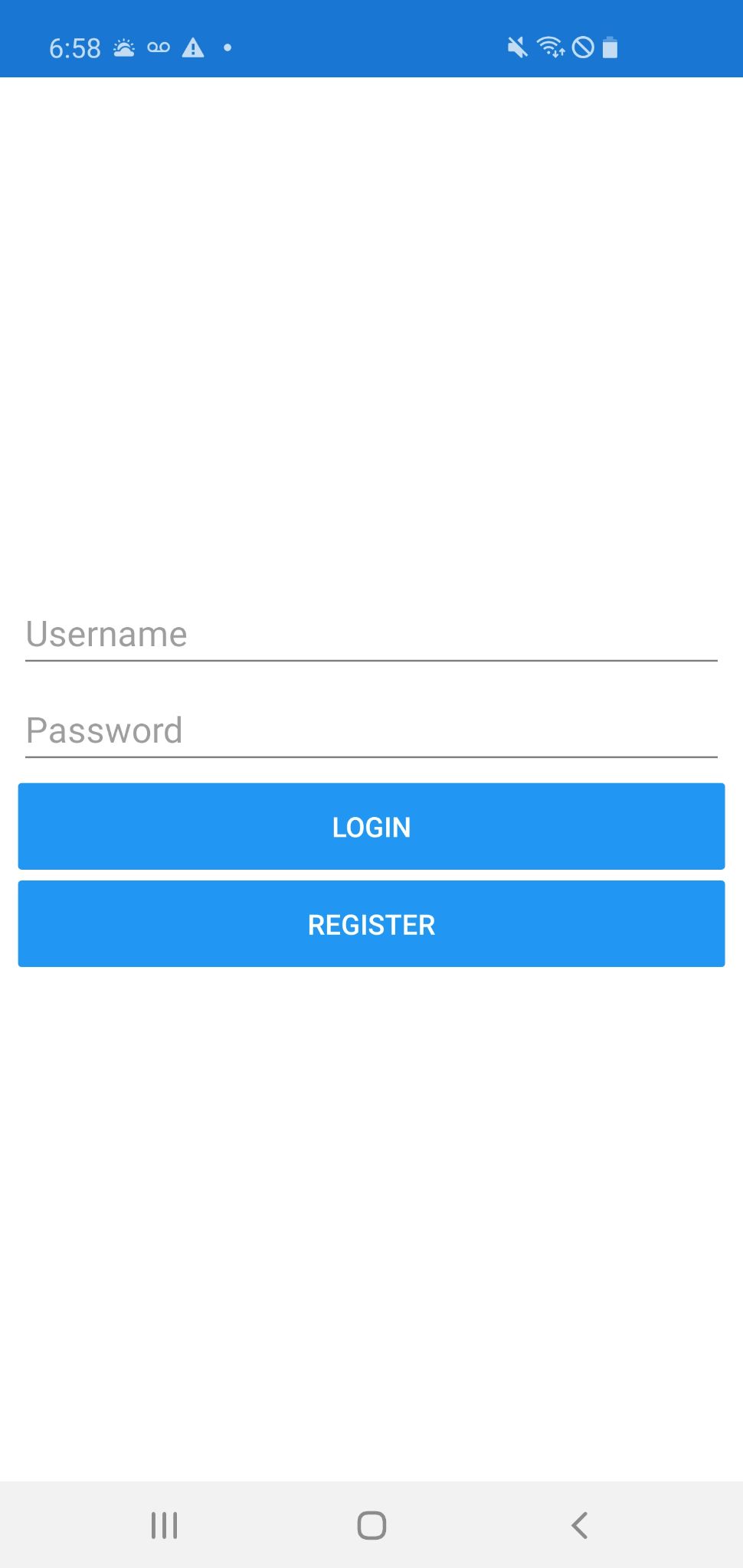
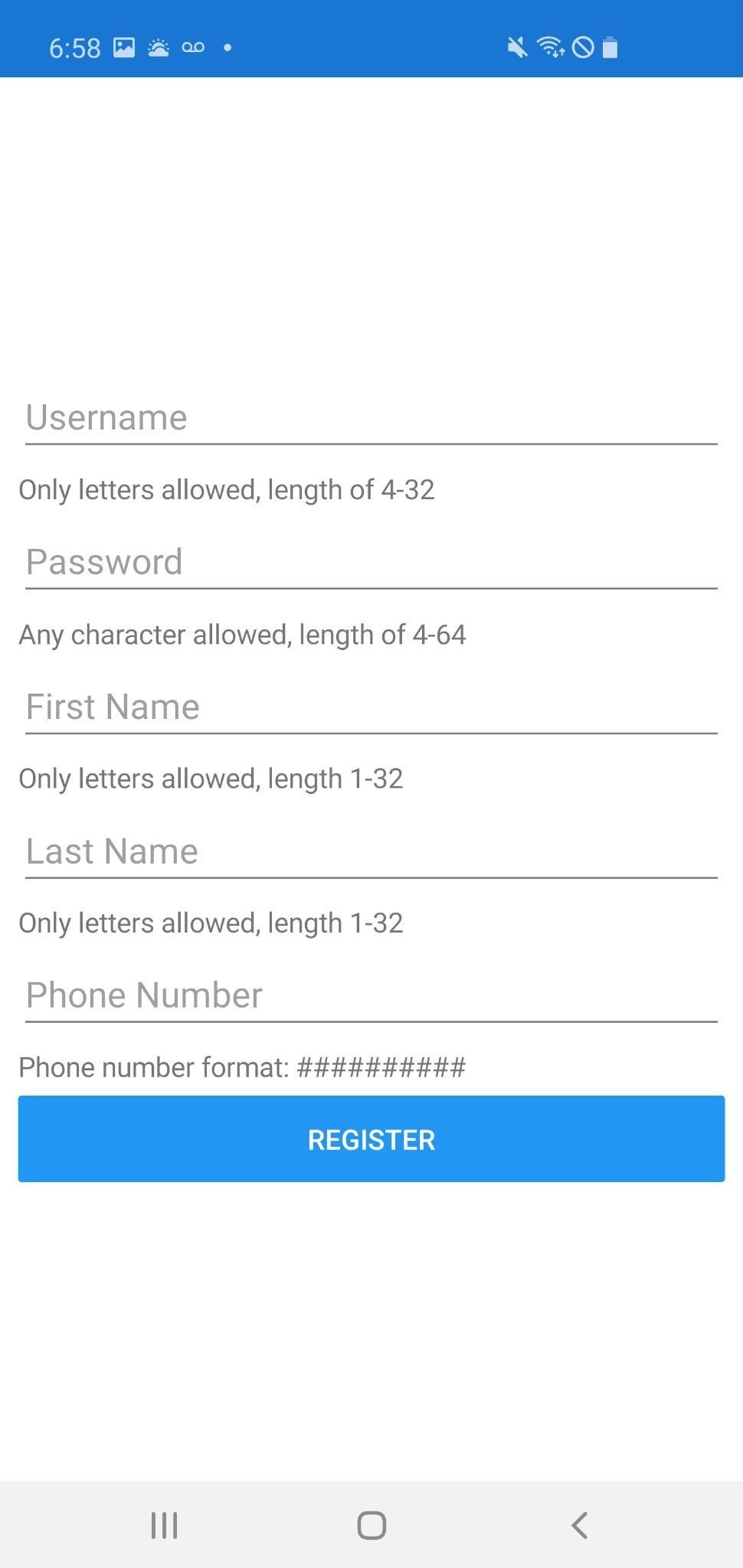
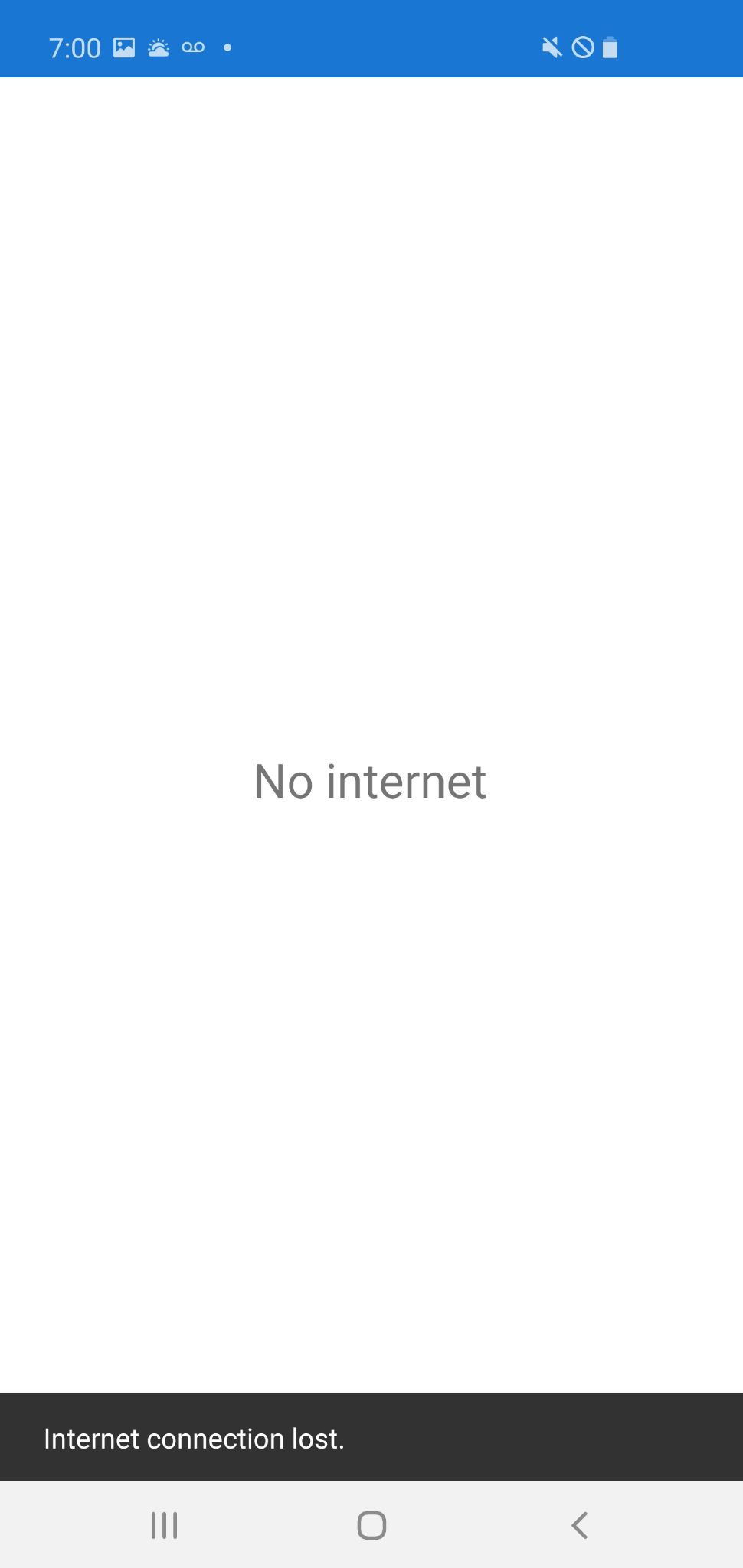
An update before the demos tomorrow. I had ended up getting the validation working, but I have struggled on how to exactly have my client app show the error in the ui, so I ended up skipping over it for now. Instead, when registering, the proper values are always shown below each field input. When registration fails, red text above the register button states that it failed. Otherwise, I have gotten my user app to be able to register, login, and tell when there the user has no internet so they do not have the option to make requests and break the app. One thing I recognized is that I spent more time than I should have on the validation and detecting internet when they are not vital to the core functioning of the app. Moving on I will be working on getting the app to fulfill the stated requirements before polishing up anything. It should be a lot easier moving on with the user app as I now have the code I should be following for the rest of the app. Once finished with the user app, the admin app should be extremely fast to complete as most of the code will be shared between it and the user, meaning all I will have to do is change the layout and what I am requesting from the server.
3/5/22
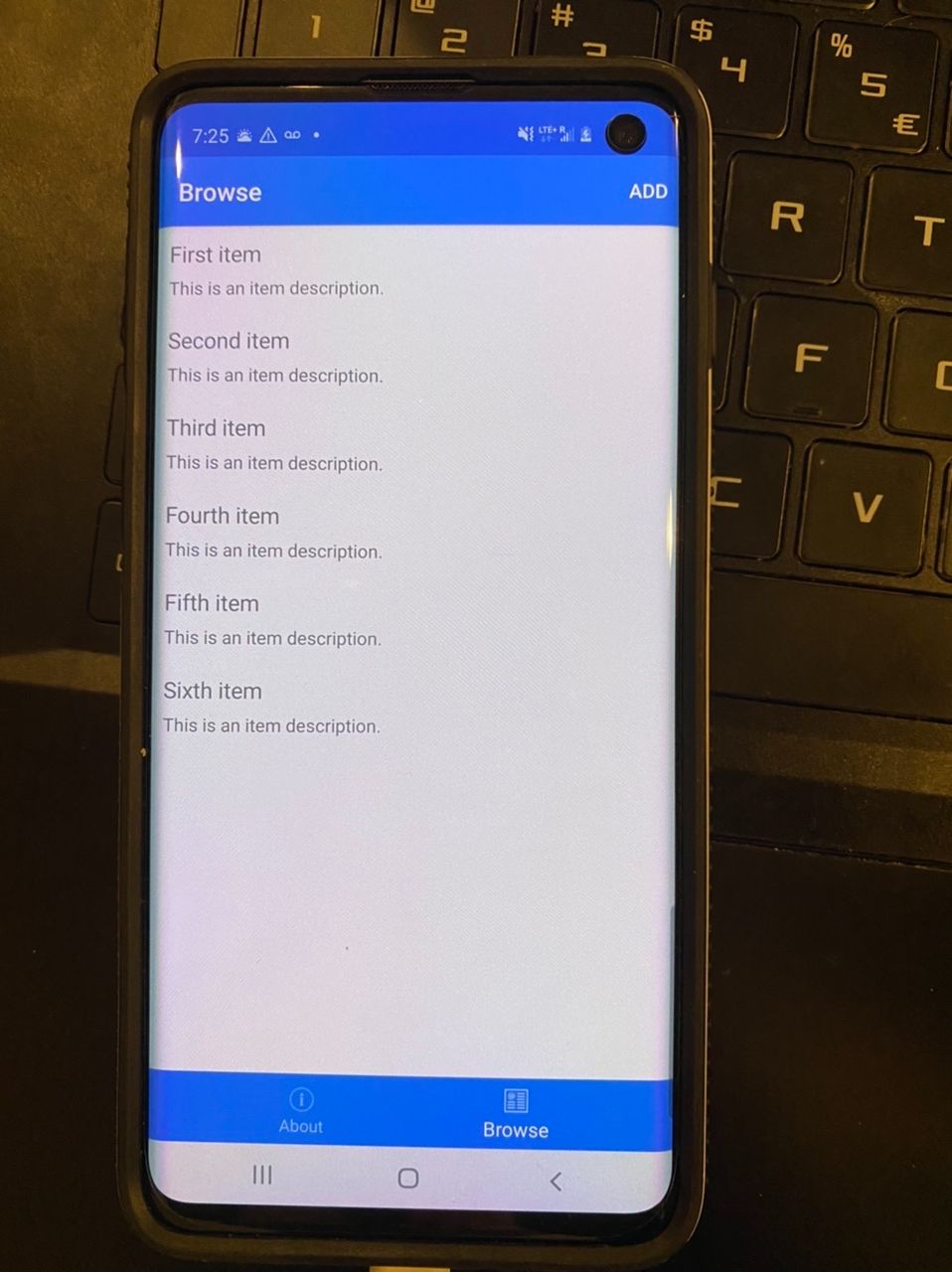
I have not made much progress on the project since my last update. The most significant thing I have done since then is getting the api to work on compsci04. I did run into a funny problem when working on getting it to work. causing me to waste some time. The password for the database contained a semicolon, which also is used as a separator between the connection string fields in the code. Because of this, I was unable to connect to the database until I recognized the problem, the semicolon was not being registered as a part of the password. Below is a picture of me connecting to the database hosted on compsci04 from chrome. There is also a picture of a test app working on an android through debugging on xamarin.
I should be able to make a significant amount of progress in the coming two weeks. For spring break I will be traveling for around 15 hours just one way to the destination, meaning I should be able to work on the project for at least 20 hours over this duration. After this, I should have the base of my projects api and validation done and have some progress on the mobile app.

2/21/22
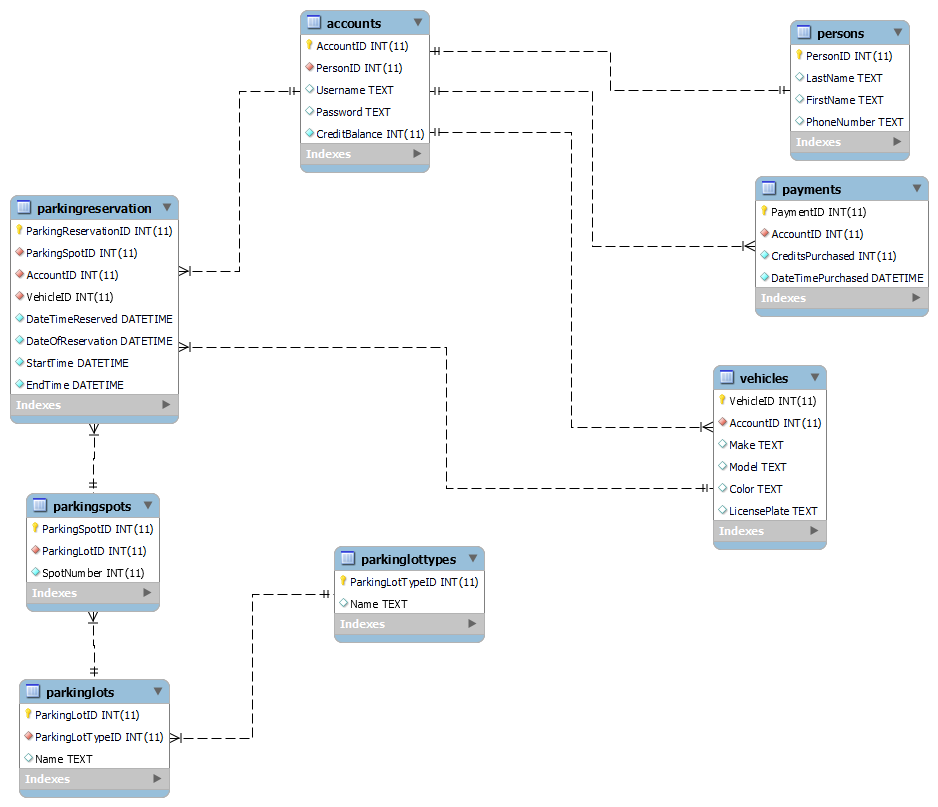
Over the past week I did not get much coding progress done. Instead, I first was figuring out if using asp.net on compsci04 was a viable option without being able to open up a new ip. I figured out I could use php hosted on compsci04 as a proxy to connect to a localhost asp.net website. However, that does not make much sense to do so I decided I'm most likely going to use solely php for the projects backend. Another thing I did was test the android phone I'm borrowing to familiarize myself with debugging in xamarin. Lastly, I created an ER diagram of the database model I am planning on working off of, which is below.
2/13/22
Yesterday and today I was mostly working on the project's backend. I was also able to get a xamarin project set up and the ability to debug with an emulator. On a side note, it turns out a mac is required to build ios apps, so I will have to get a phone for testing.
At this point I have decided to use entity framework to map objects to the database. For the project I am assuming I cannot have the database accessable through the application, so I ended up deciding on using asp.net as the web service so data can be transferred between the frontend and backend. For testing I had to create a mysql server on my personal computer as I am unable to connect to the school database until all of the dotnet requirements are downloaded on the linux server. Alternatively for the time being I could have attempted to create an ssh connection to the server through the code, but this felt like a waste of time for the amount of effort it would take and the fact it is not necessary.
I do not expect my database's model to change much as it should be very close to including everything necessary based on the project's requirements. However, I am definitely expecting some field or table changes in the future. This should not be a problem as long as the model does not change significantly as small changes will only require a migration to be ran and an update to the controller.
As I move on with the project, the next area I will be working on is the controller. There are a few web requests the client application will definitely need to be making for the app to have any functionality. I will create the functionality for these requests to be made and work on their validation. The one thing to note is I am unsure how/if I am expected to validate users, which I will need to discuss. Fully working user validation seems like a lot for this project.
In summary, doing everything in this order gives my backend a solid, functional, and changeable base, which should allow me to work almost purely on the client application so its development can be smooth and focused.
The links below were helpful or appear to be, so I will post them here for future use:
https://docs.microsoft.com/en-us/xamarin/get-started/tutorials/web-service/?tabs=vswin
https://docs.microsoft.com/en-us/learn/modules/build-web-api-aspnet-core/1-introduction
https://docs.microsoft.com/en-us/aspnet/mvc/overview/getting-started/getting-started-with-ef-using-mvc/creating-an-entity-framework-data-model-for-an-asp-net-mvc-application#create-controller-and-views
2/7/22
I started thinking about what objects I will need for the app to have proper functionality. Based on thinking of what information needs to be included, the objects ParkingLot (self-explanatory), ParkingSpot (self-explanatory), ParkingReservation (for users to reserve a spot for a day and time), Vehicle (stores vehicle info so administrators can know what vehicle should be in the reservation), and User (user account info). The one thing to note is that I am not exactly sure how I will be storing username/password so far, but I am assuming it probably will not be a secure way.
2/1/22
Today I created the base of the site. I have decided to use C#, Xamarin, and MySQL to complete to the project. Right now I am unsure how I will be creating the application for users to use and administrators. So far I have decided on either having two separate apps, or a single app with a login page, which will give access to certain functionalities based on permissions.