
Madeline Krajewski
This week, I focused on three things: testing out the process for Algorithm 2 on paper, implementing tasks to allow a progress bar to work, and tidying up the user interface for my final encoding program. Two of these three things were successful. First, Algorithm 2:
Here’s my scratch paper attempt to replicate its process. I’ve copied my ‘cheat sheet’ from last week here for reference as well.
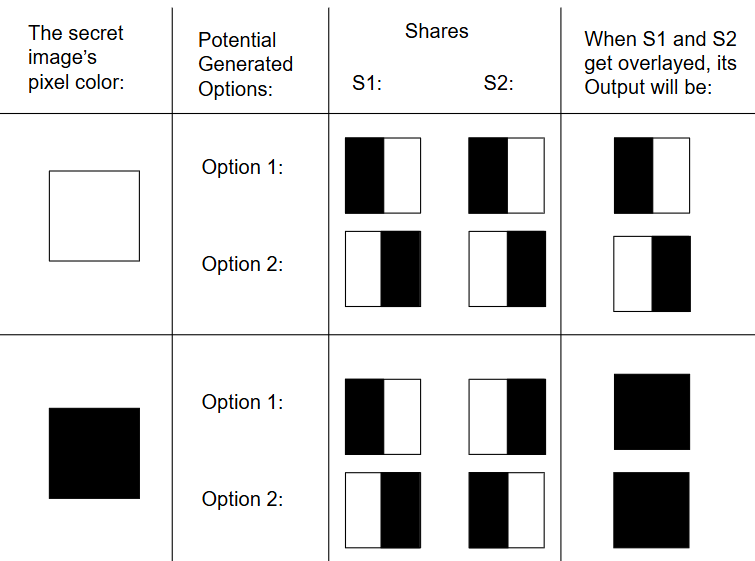
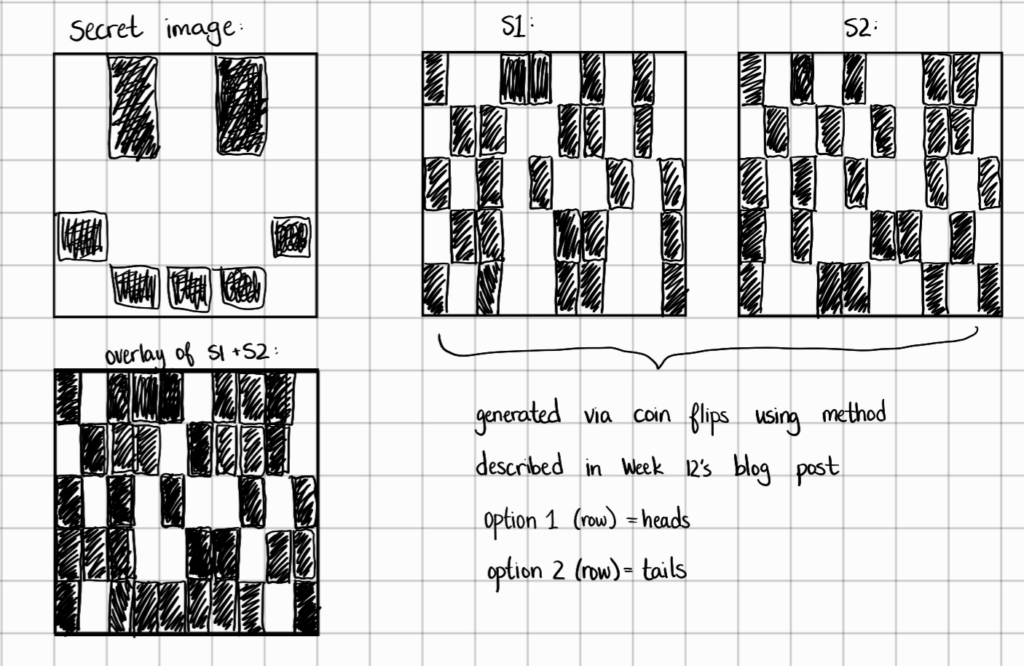
It’s a bit difficult to follow visually at this step, but performing the process of flipping a coin twenty-five times and writing down the results greatly assisted my understanding of Algorithm 2. Currently, I’m trying to figure out how to encode this information into a pixel, since I’m not sure how to make a pixel split like this. I’ve tried searching for other resources, but so far, I have not found anything particularly enlightening about how the pixels will hold this information.1
Now, for the other two tasks. Here’s my new and improved UI! Gone are the testing outputs and visual clutter. Now, I have a clean, sleek design which should be easy to follow for most users. Upon launch, this form window appears:
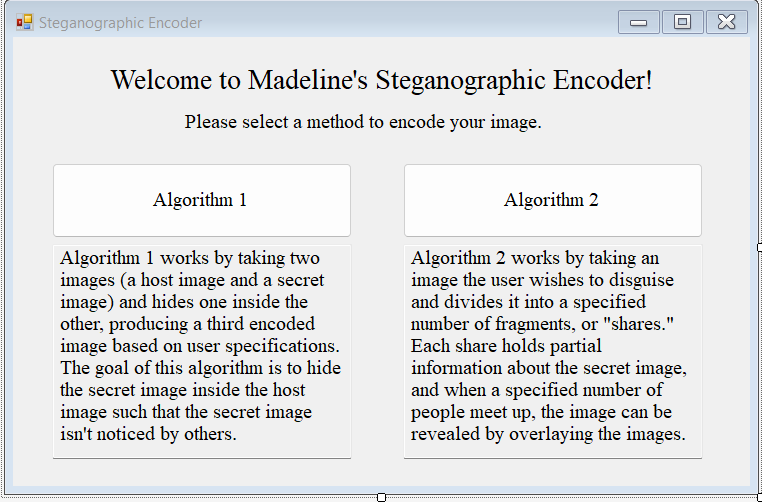
Currently, Algorithhm 2’s button doesn’t launch anything, but it will eventually.
Upon clicking on the Algorithm 1 button, this form will launch:
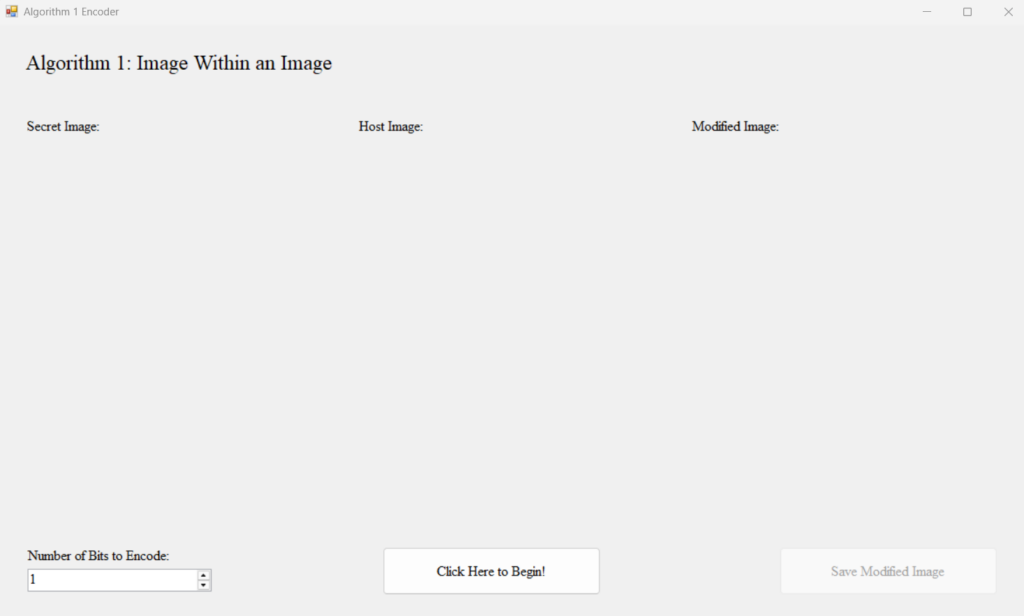
Here’s how it looks after it runs:
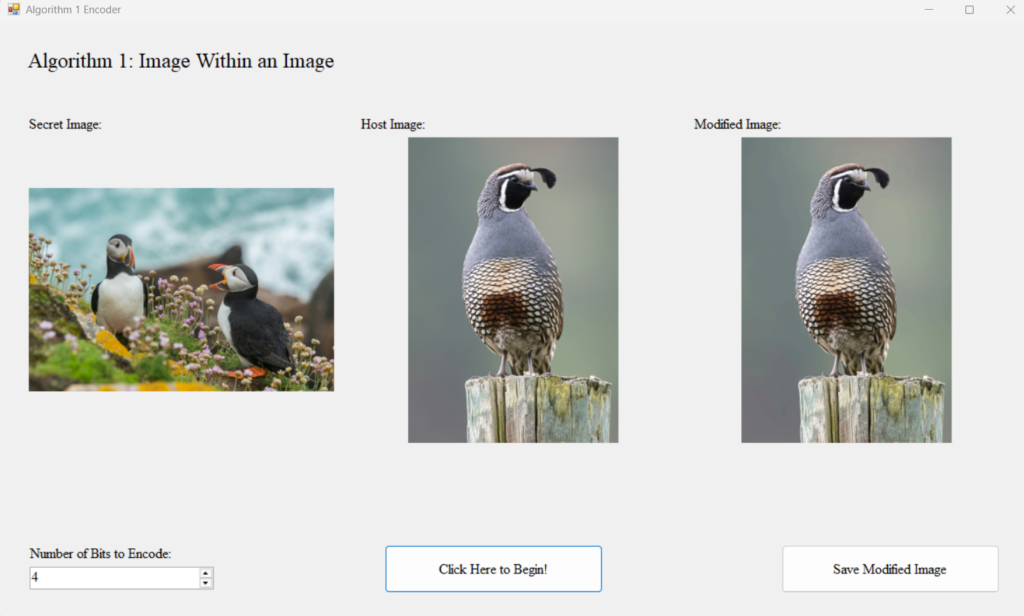
I’m currently trying to decide whether to apply outlines to the pictureboxes; they’re underneath each image header, but since the user hasn’t selected anything, they are not currently visible. I’m thinking of not adding a boarder, since depending on the user’s image, it may not fit the current picturebox’s bounds.
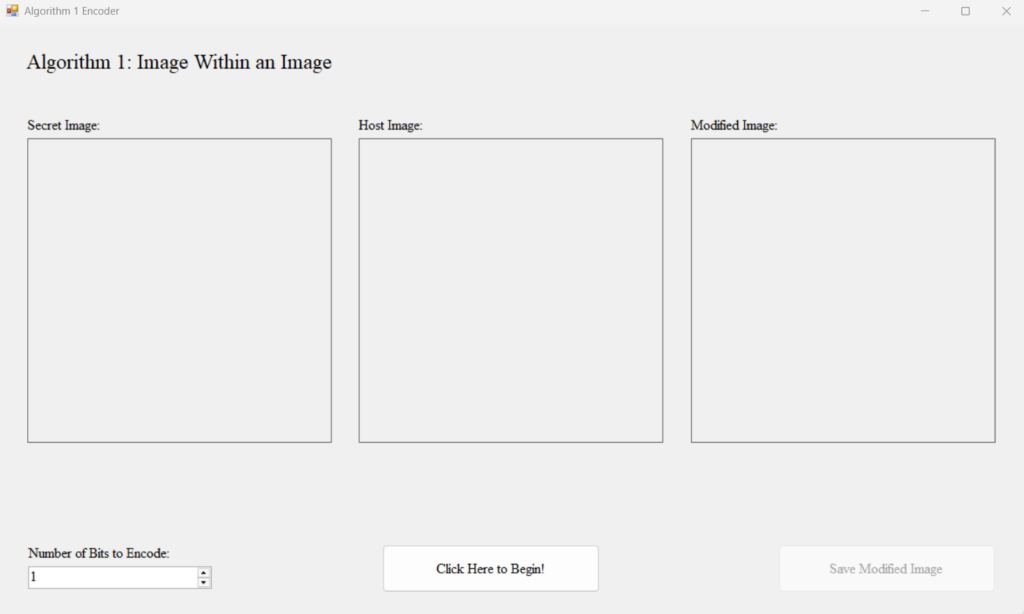
Here is how it looks with a border upon launch. I think it looks much nicer and is easier to see what the program will do.
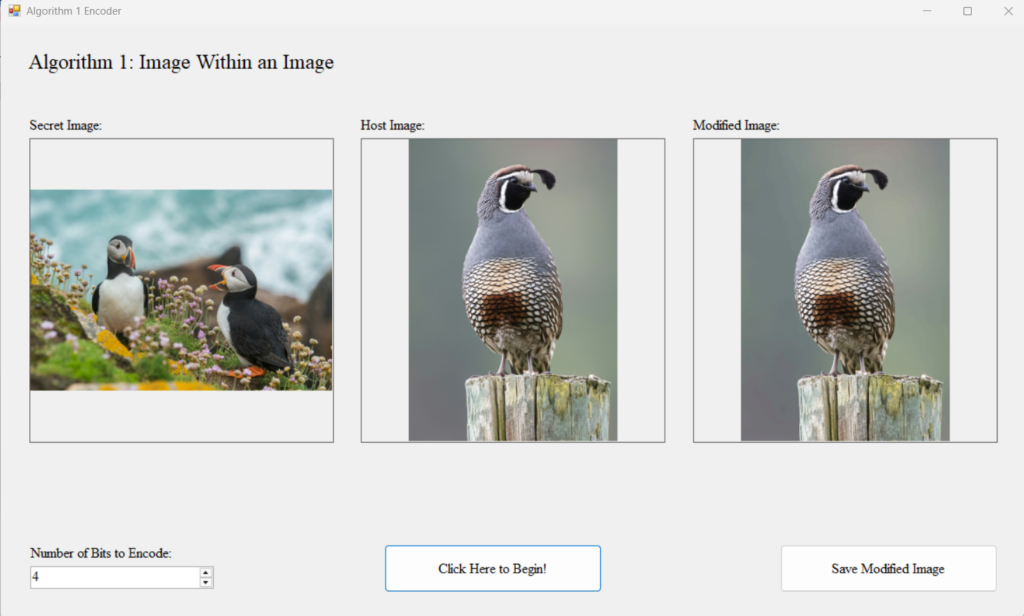
However, here is what it looks like after the program runs. I’m not entirely pleased with how it looks, but I also don’t think there’s anything inherently wrong with it. I’m just not sure which one I prefer.
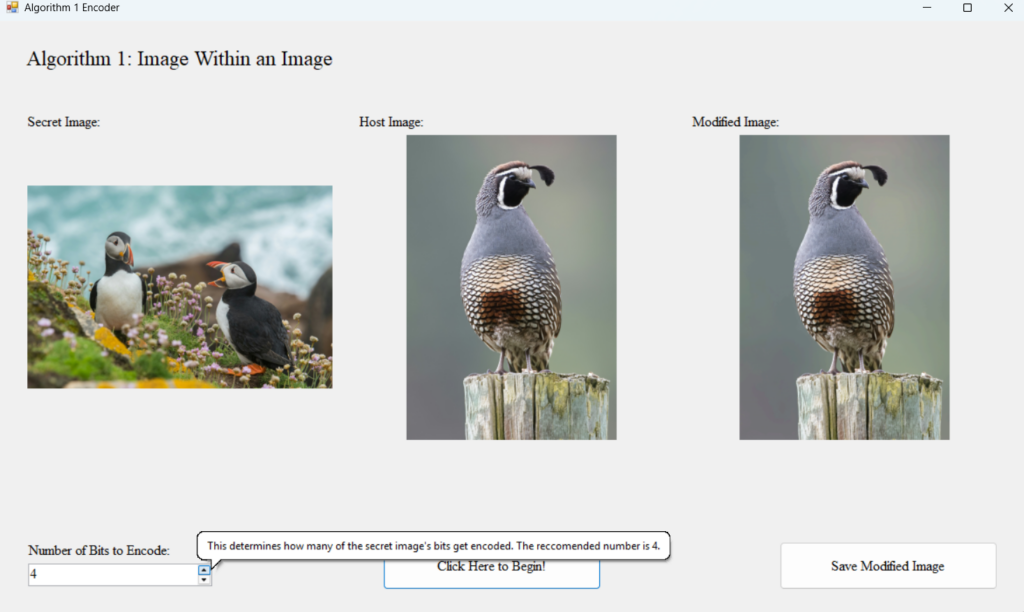
Anyway, one thing I’ve added that I’m quite pleased with are the variety of tool tips across the form to help guide the user through using this program. These include descriptions of the different items (such as the numerical up-down box, and what it represents).
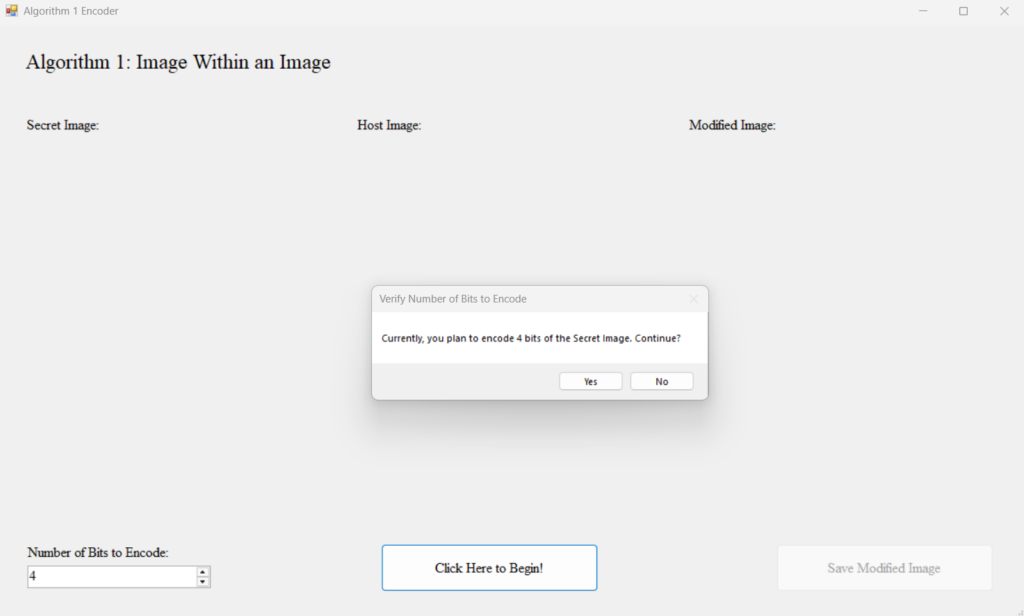
Additionally, each step of the selection process asks questions similar to this:
Currently, the only problem my encoder UI has is that the progress bar doesn’t yet work. In order to make this happen, I need to use tasks. I’ve done quite a bit of reorganizing of my main function so it (hopefully) makes this easier; however, I just haven’t quite figured out how to use tasks yet. I’m not quite sure why it isn’t working, and I’m hoping I can get it working soon. I think the main issue is that I’m not updating the display, but I’m not sure.
- Note from Future Madeline: The pixels do not get split as shown here. My information is a bit off, but I do not want to change my blog post too much to rectify it. However, I do want to call attention to this as I would hate to mislead anyone! ↩︎